
FEATURES :
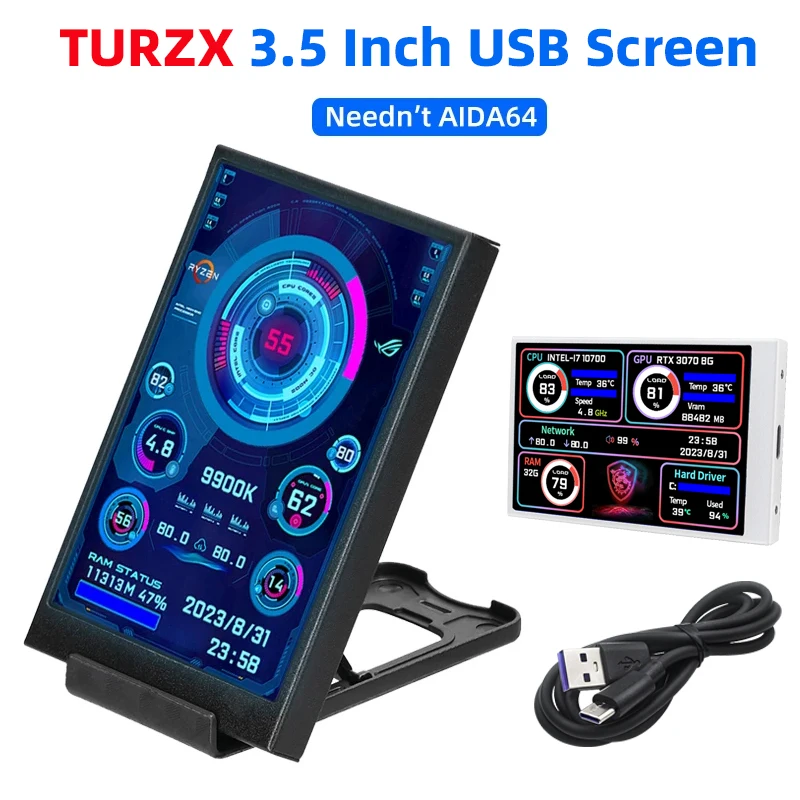
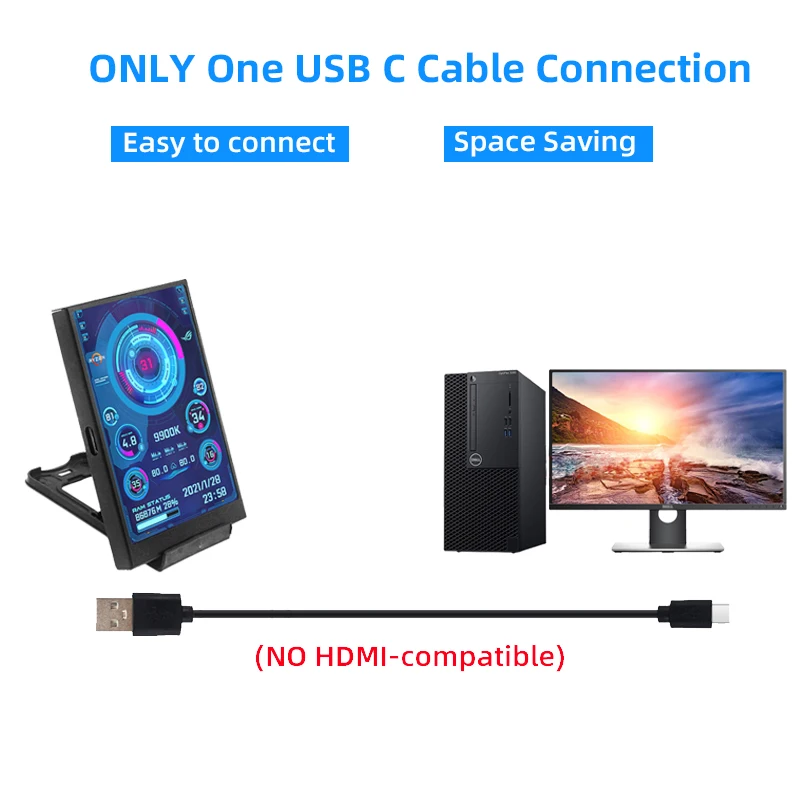
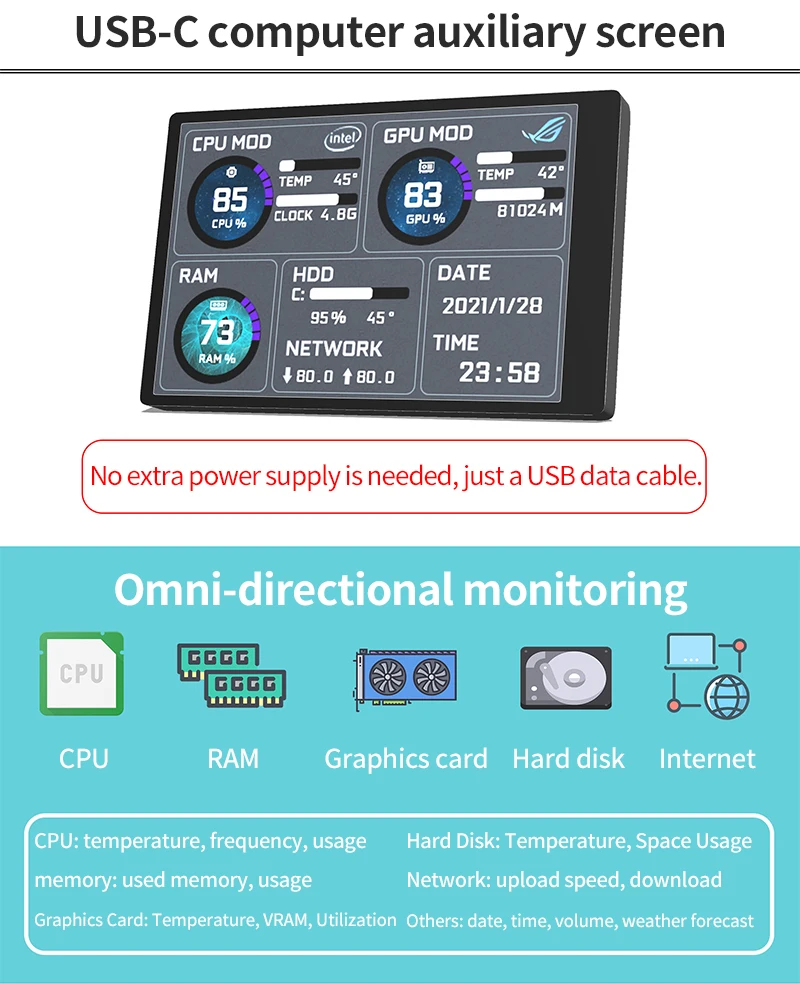
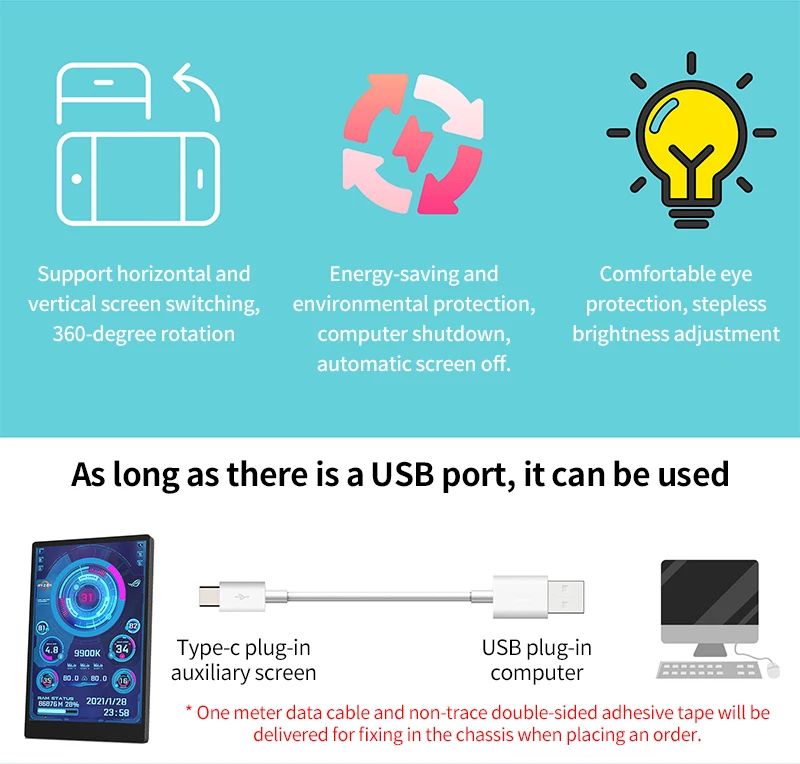
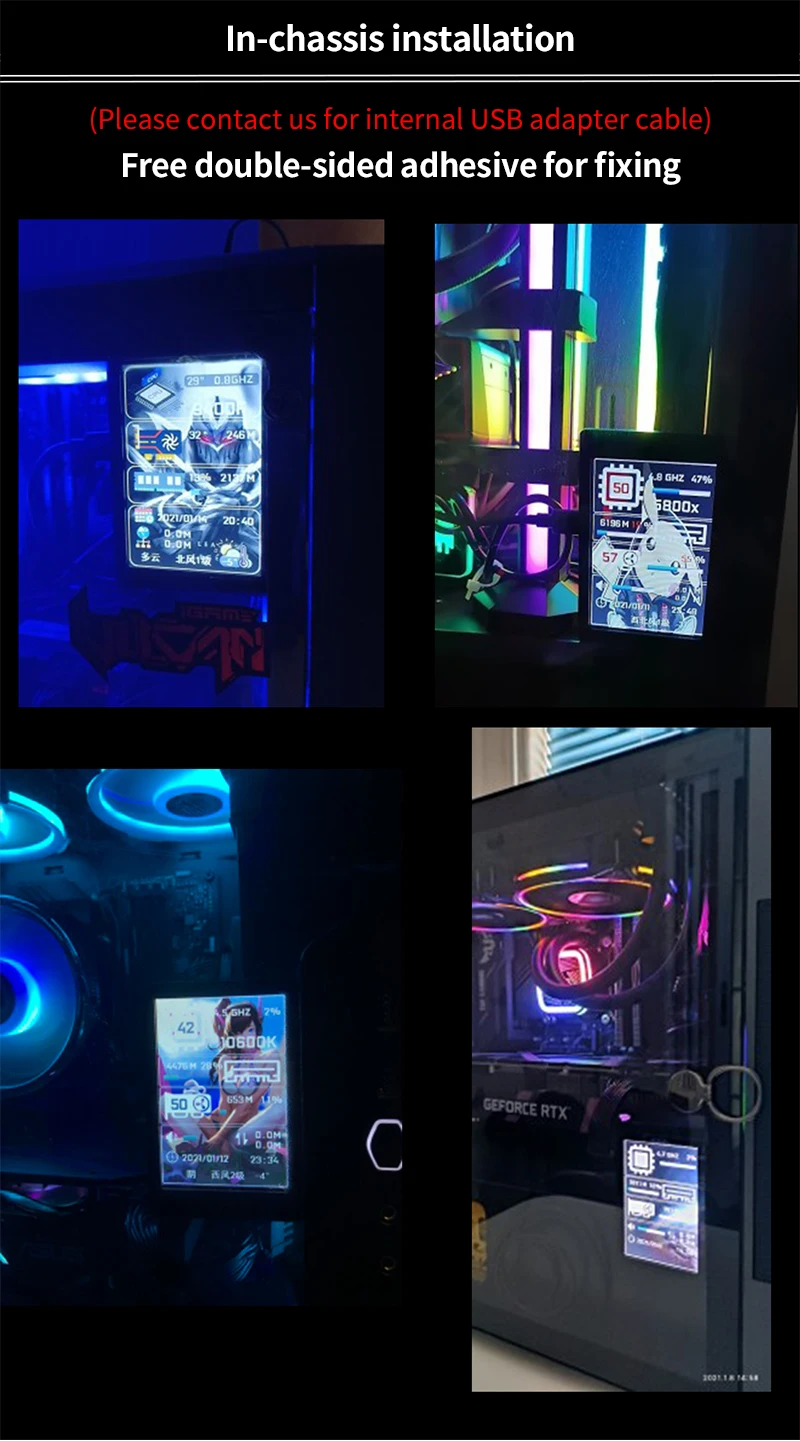
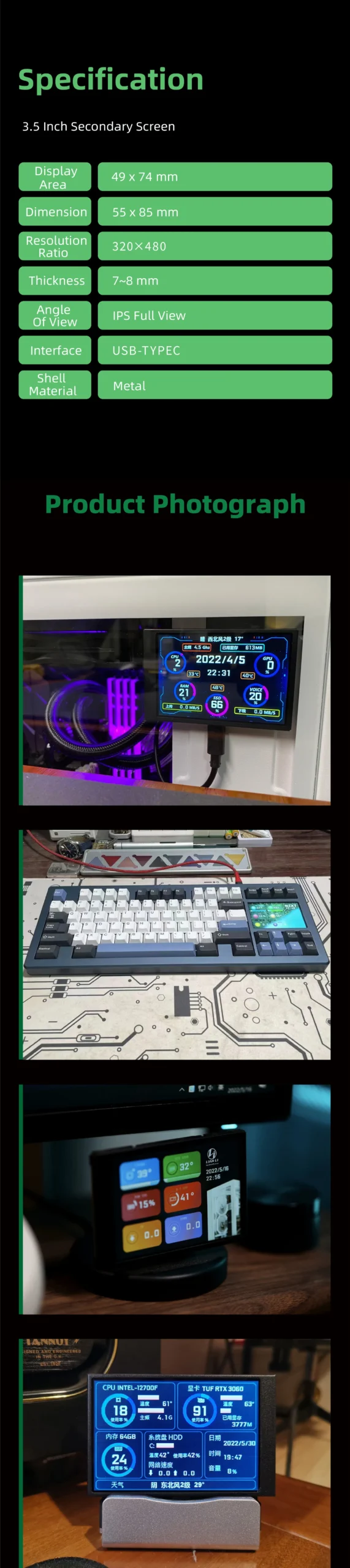
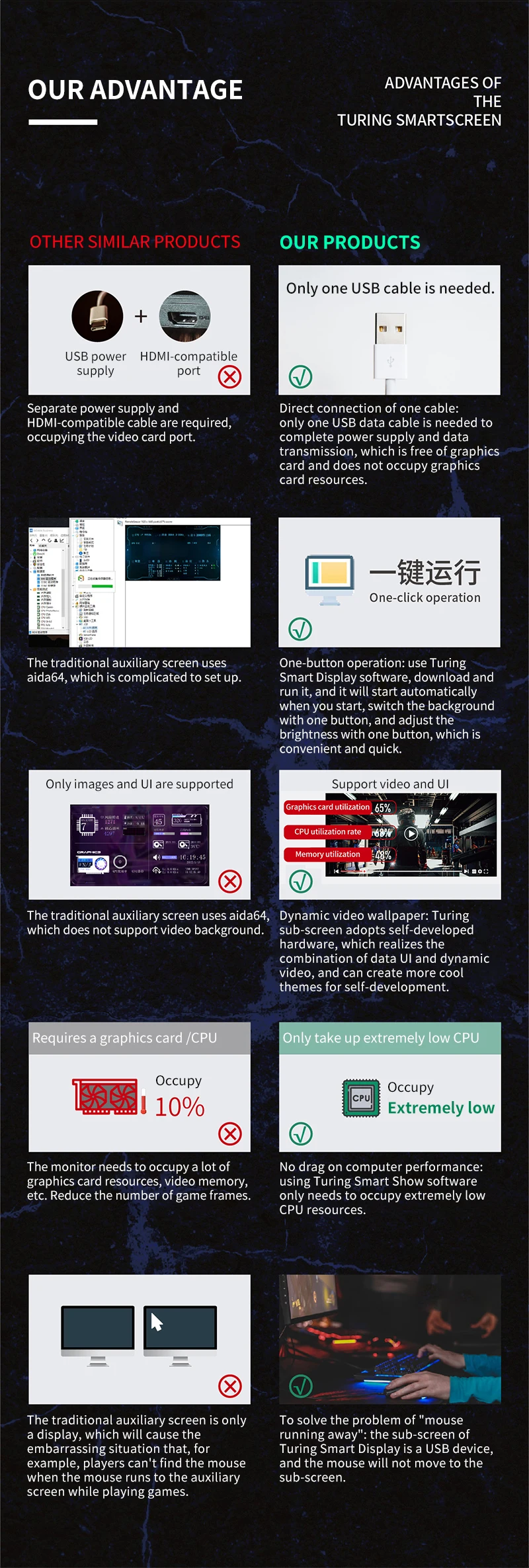
Plug & Play Streamlining: Works with just one USB Type-C cable; no HDMI or extra power required.
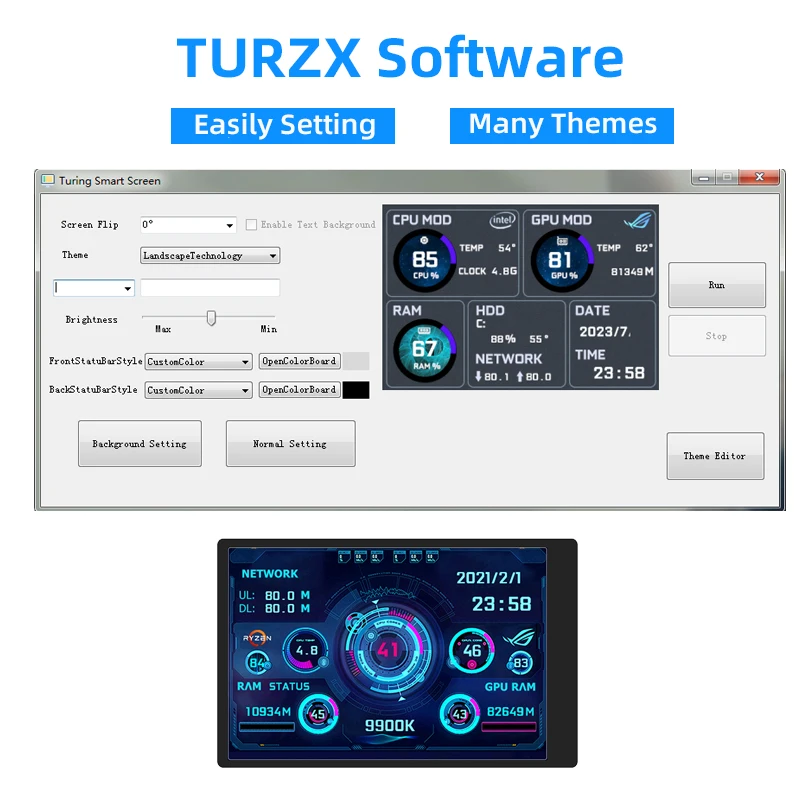
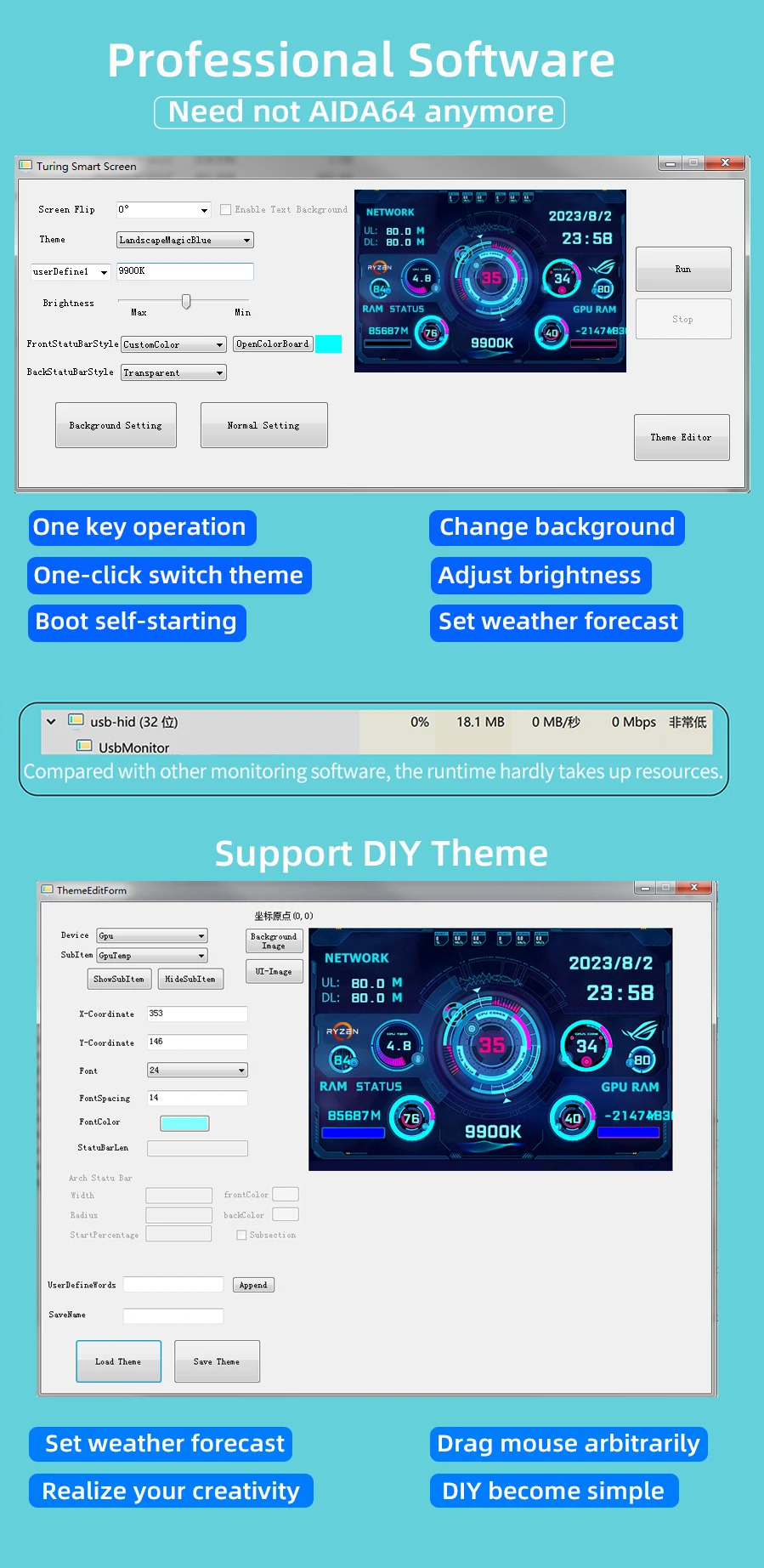
AIDA64-Free Intelligence: Uses specialized built-in software for a seamless experience—no complicated third-party setups.
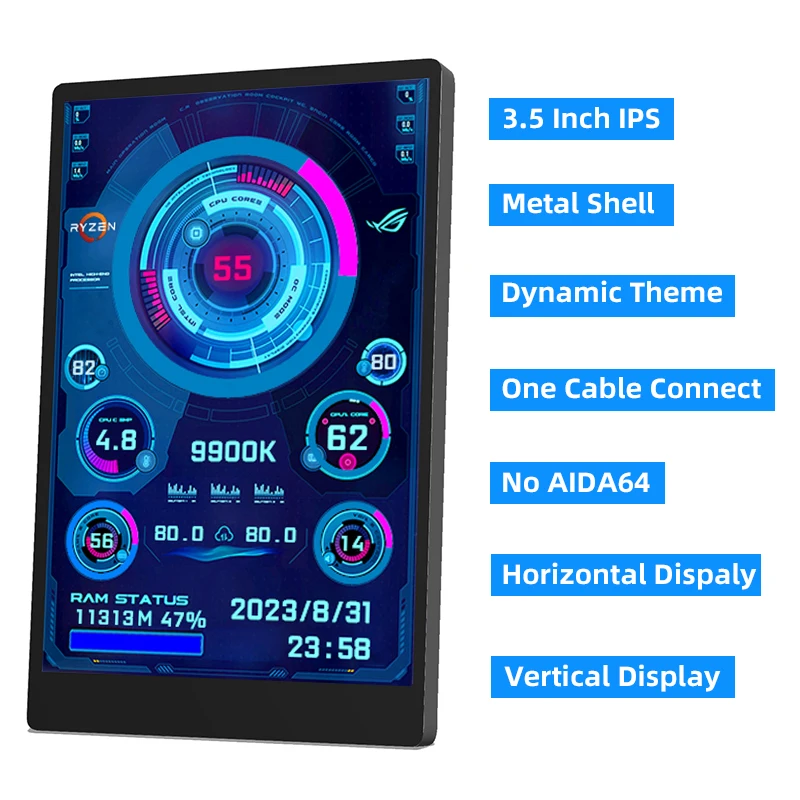
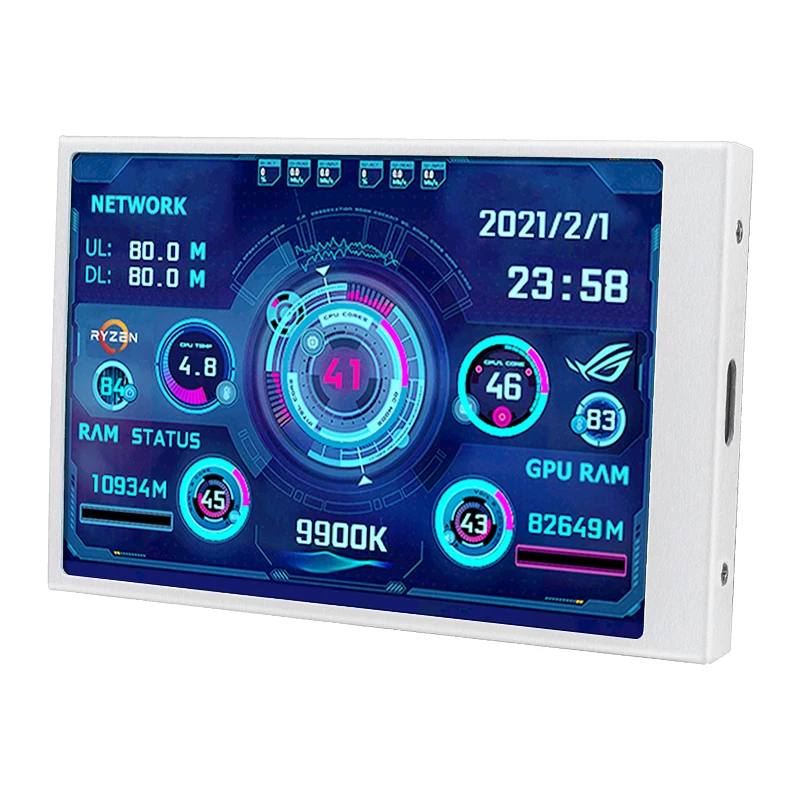
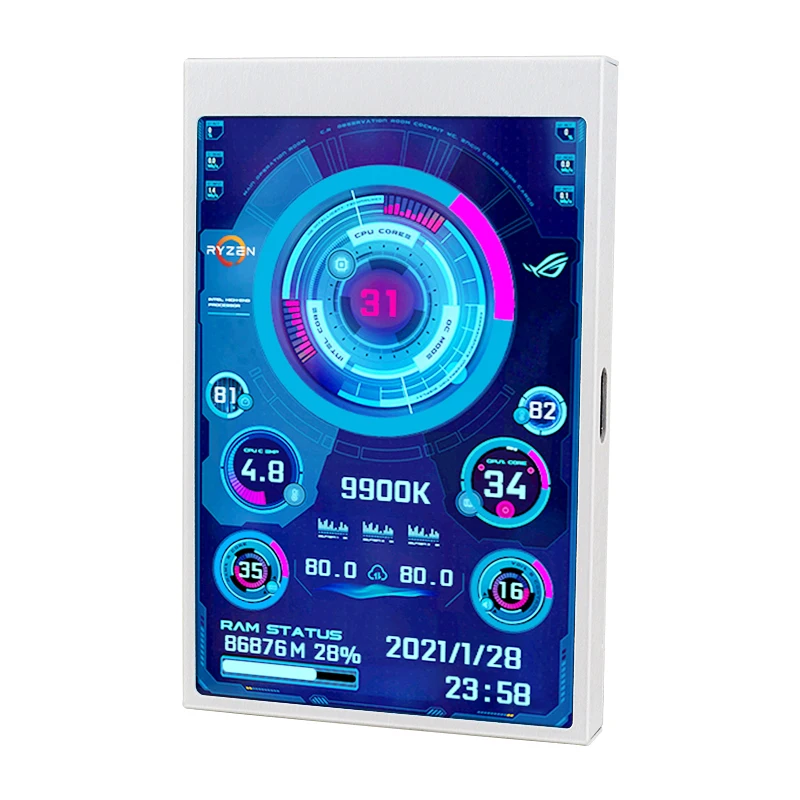
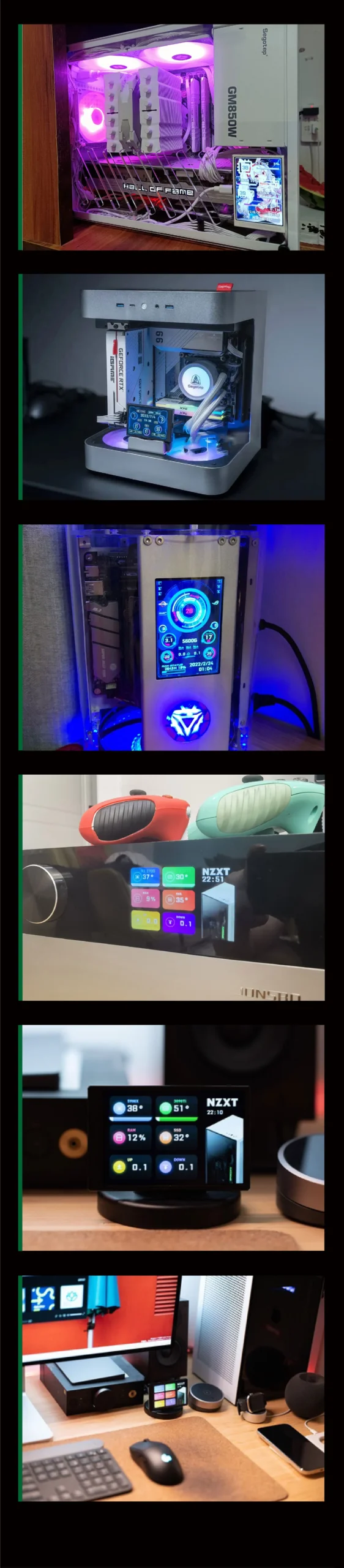
Visual Versatility: Supports 360° rotation with easy switching between horizontal and vertical screen layouts.
Smart Energy Management: Automatically turns off when your system shuts down.
Ocular Protection: Features stepless brightness adjustment and eye-protection protocols for long gaming sessions.
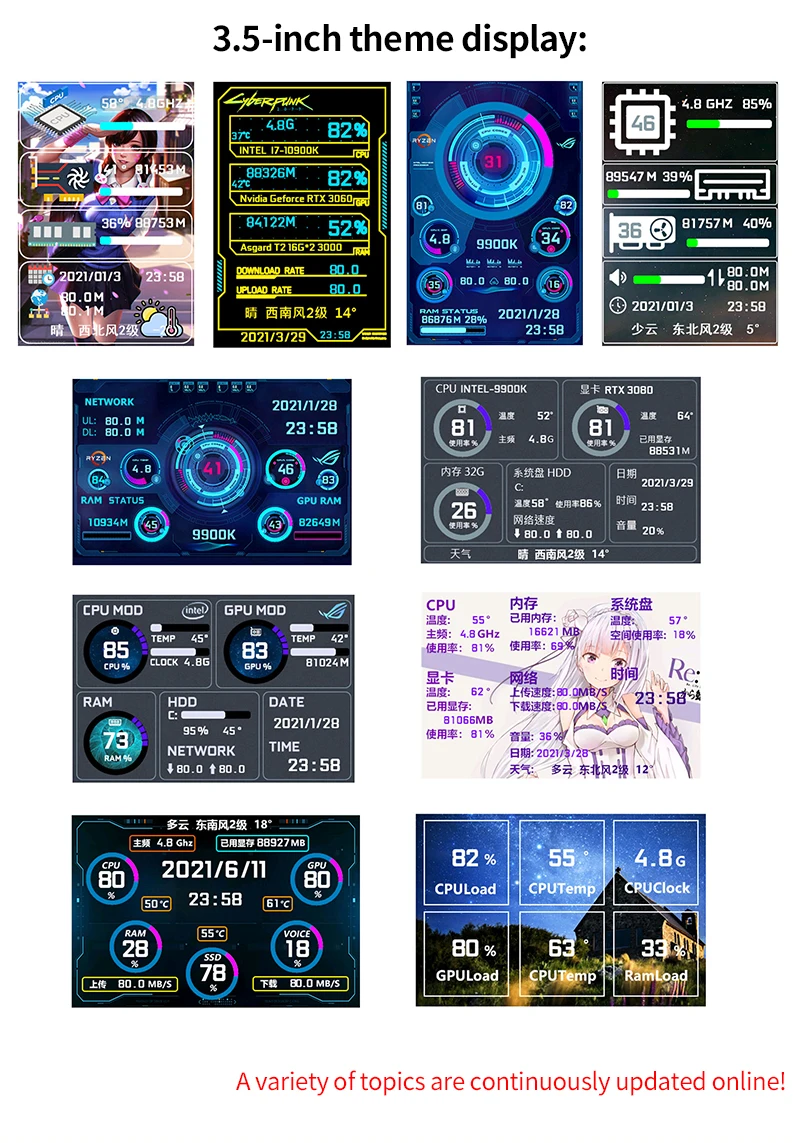
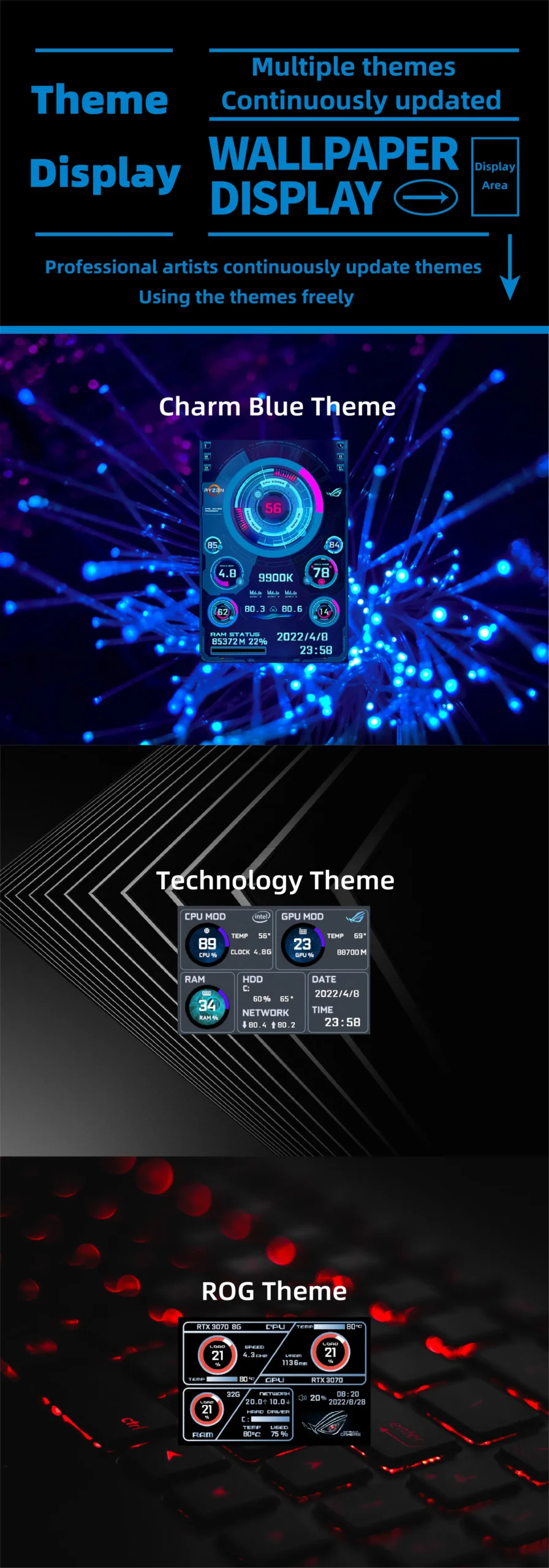
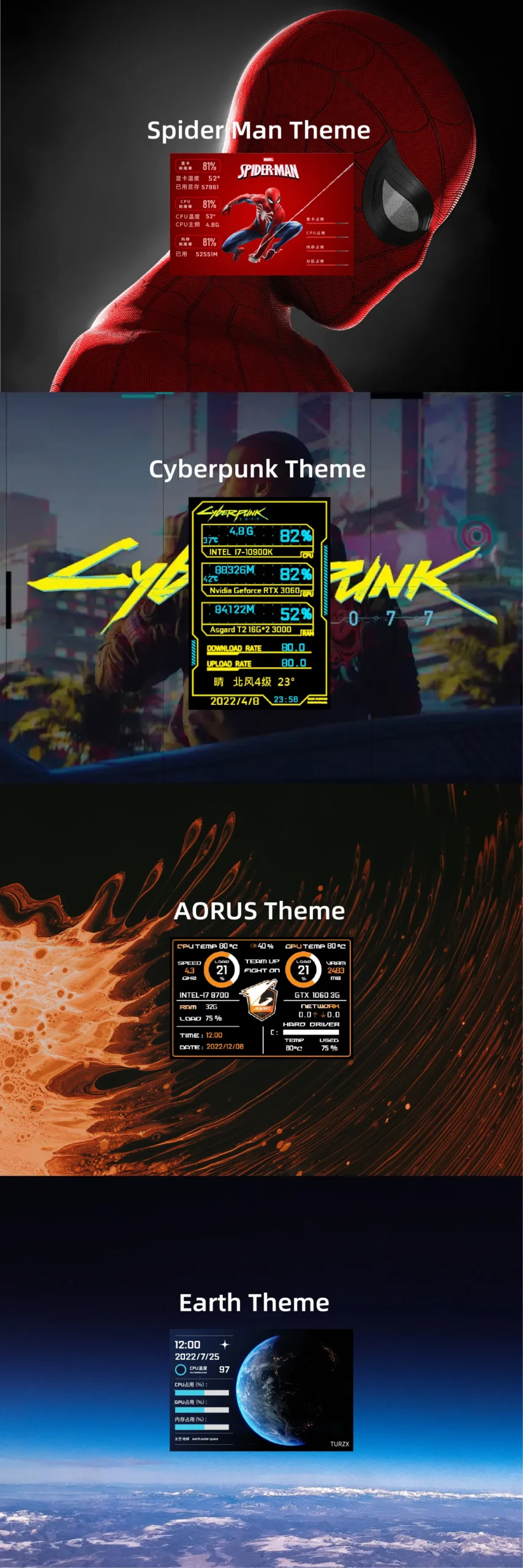
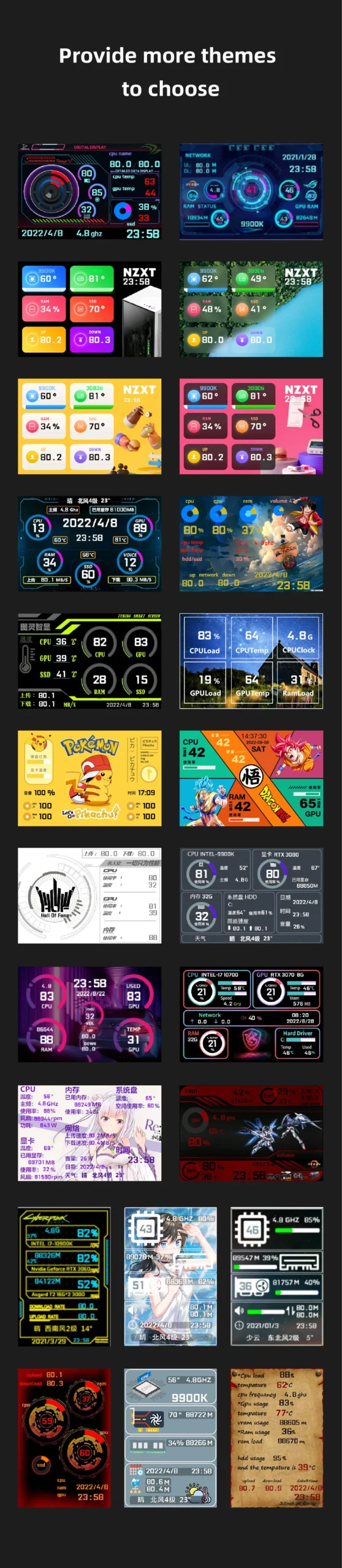
Global Integration: Includes built-in city weather forecasts and one-click background/theme switching.
OS Compatibility: Designed for Windows 10 and Windows 11 (Note: Some Win7 systems may not be compatible).
// DEPLOYMENT GUIDE (How to Use)
Connect: Link the mini secondary screen to your PC via the provided USB-C cable.
Initialize: Launch our custom professional software.
Sync: No other settings required—your system HUD is now online.
// DATA DOWNLOADS
Software Download
https://lgb123-1253504678.cos.ap-beijing.myqcloud.com/35inchENG.rar
// WHAT’S IN THE BOX
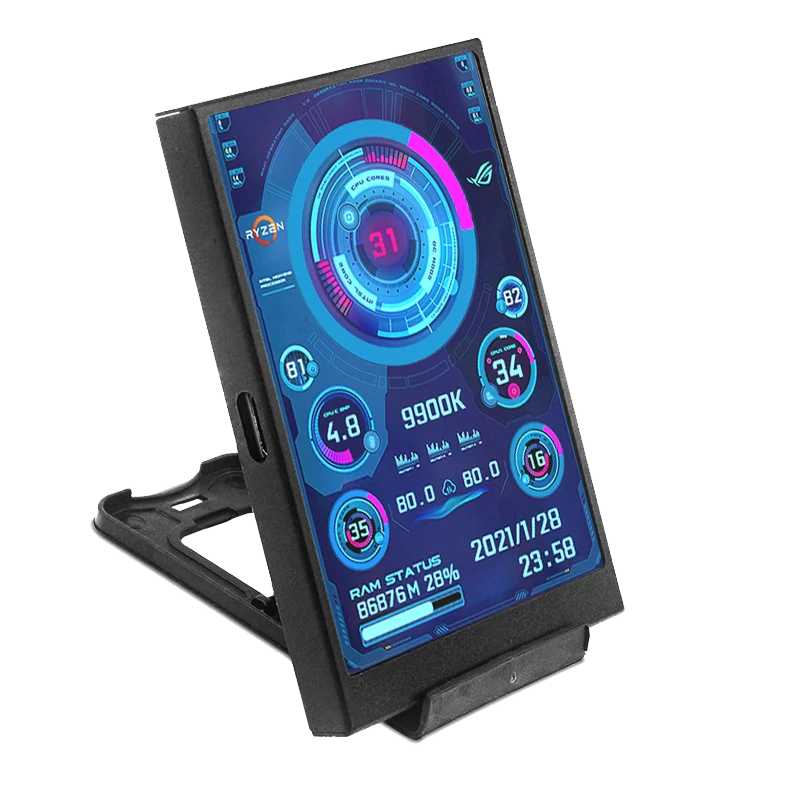
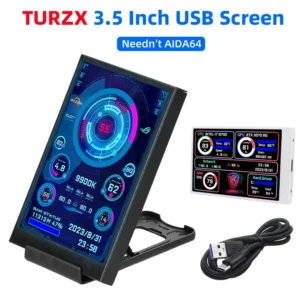
1 x 3.5-inch Cyber-Deck Monitor
1 x USB Cable
1 x Plastic Mounting Bracket
1 x Industrial Double-Sided Tape
Next step: Would you like me to help you create a “Comparison Chart” that shows why this screen is better than using a traditional tablet or a phone as a secondary monitor?


Packing List
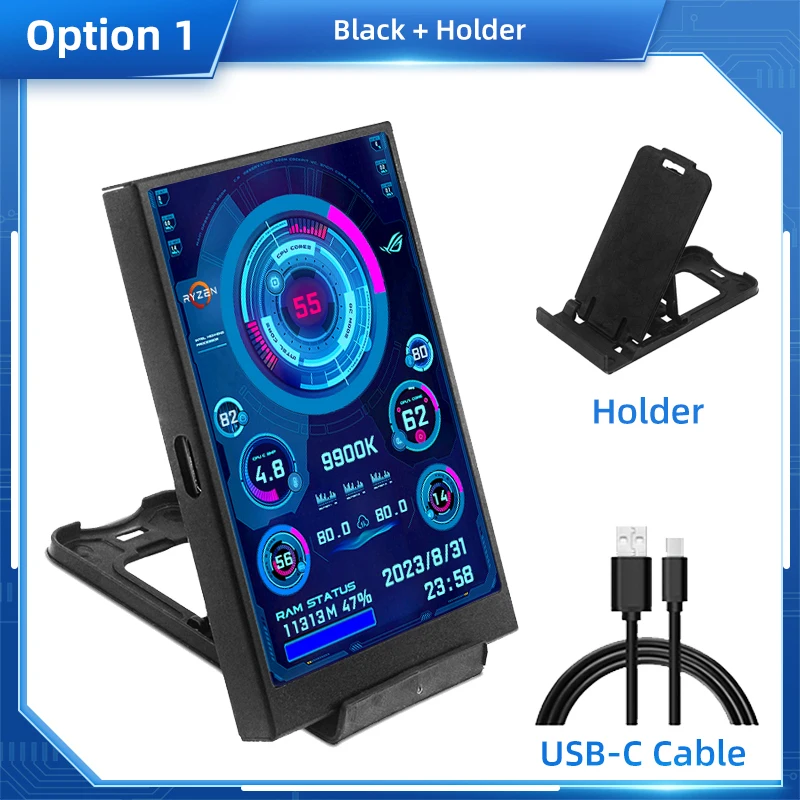
Option 1
1 x 3.5 Inch USBC IPS Screen Black
1 x USB C Cable
1 x Holder

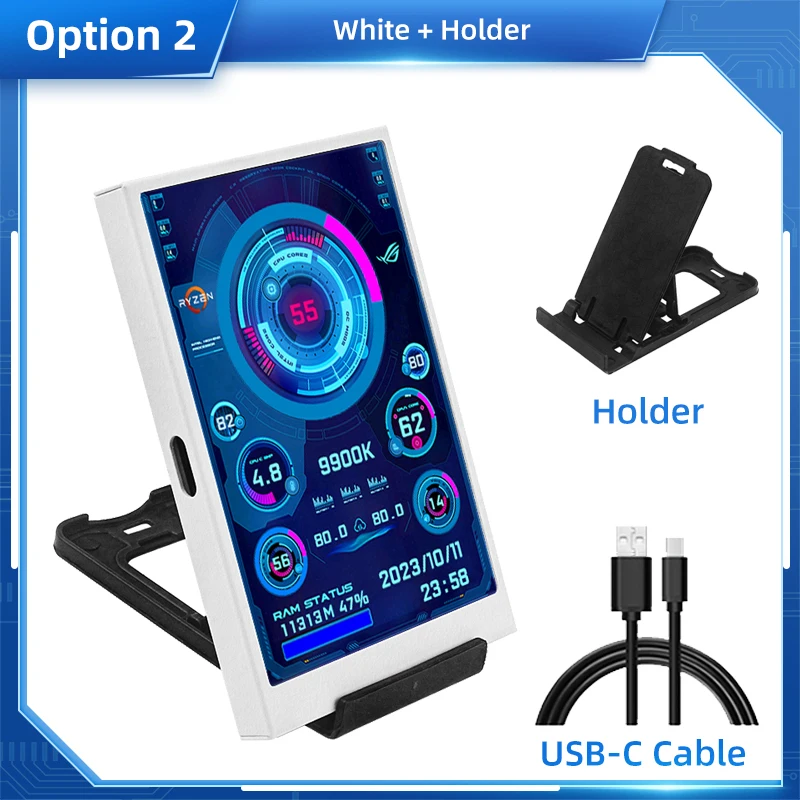
Option 2
1 x 3.5 Inch USBC IPS Screen White
1 x USB C Cable
1 x Holder

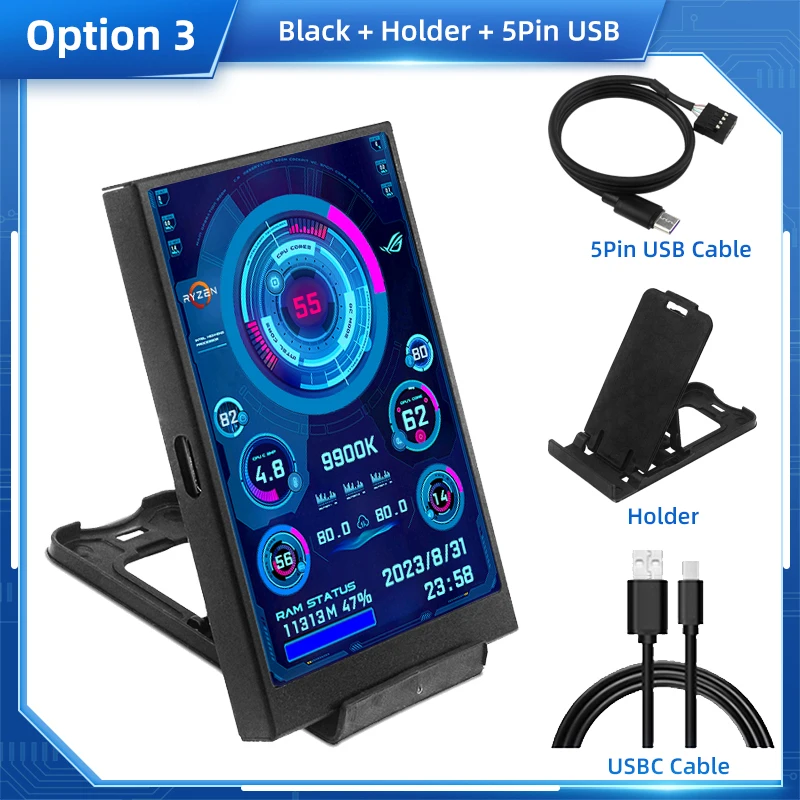
Option 3
1 x 3.5 Inch USBC IPS Screen Black
1 x USB C Cable
1 x Holder
1 x 5Pin to USBC Cable

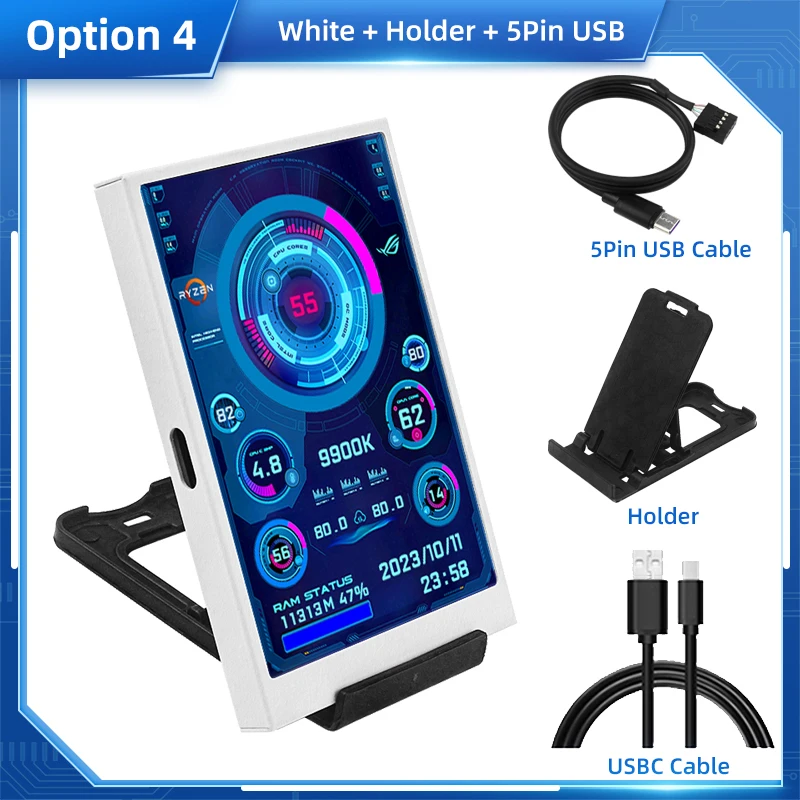
Option 4
1 x 3.5 Inch USBC IPS Screen White
1 x USB C Cable
1 x Holder
1 x 5Pin to USBC Cable

FAQ
1. Why does the graphics card data not move?
The average laptop user typically uses a separate monitor in standby and only uses the core monitor to save power, while the secondary monitor monitors the most important separate monitor. Of course, the graphics card monitoring data has not changed.
2. Can other content be displayed?
No, only the content of custom software settings can be displayed
3.USB interface version?
USB1.0 USB2.0 USB3.0 unlimited as long as it is USB
Avis
Il n’y a pas encore d’avis.